The short version
- A Google Business Profile is free, and it’s what shows up on Google Maps and in the local results. Every trade should have one.
- A website is where people go when they want more than a phone number and a star rating.
- They work best together. The profile gets you seen, the website wins the job, and the profile links to the site.
- If you can only do one thing today, set up the profile. It costs nothing.
It’s not really one or the other. But they do different jobs, and it helps to know which is doing what.
What your Google profile does
Your Google Business Profile is the box that appears when someone searches your business name, and the pin on the map when they search for something like “roofer near me”. It shows:
- Your business name, phone number and the areas you cover
- Your opening hours
- Photos, from you and from customers
- Your Google reviews and star rating
- Buttons to call you, get directions or visit your website
It’s free, and you verify it with Google so they know the business is yours. If you work from home and don’t want your address on show, you can list the areas you cover instead.
What it can’t do
A profile is a listing, not a shop window. It has limits:
- Not much room to explain. You can list services, but you can’t really explain what each job involves, what’s included or why you do it the way you do.
- Your photos get mixed in. Customer uploads sit alongside yours, and you can’t put your best work first in the same way.
- Your competitors are right there. In the map results, people see three or more trades side by side, judged mostly on stars and distance.
- Google decides the layout. It looks the same as everyone else’s, so it’s hard to stand out.
What a website adds
When someone has found you on Google and wants to know more, the website button is where they go. That’s where you can:
- Explain your services properly, led by the jobs you want more of
- Show your best work, grouped so people find jobs like theirs
- Answer the questions people ask before they ring
- Ask the right questions in a quote form, so enquiries arrive with the details you need
- Give people somewhere to go from your van, your cards and your Facebook page
It also gives Google more to go on. A site that clearly says what you do and where you work helps Google understand your business, alongside your profile.
How they work together
- Link them. Put your website address on your profile, and link to your Google reviews from your site.
- Keep the details the same. The same business name, phone number and areas on both, so nothing looks out of date.
- Ask for reviews. Ask customers for a Google review at the end of the job, then show them on your website too. How to ask, and what to send.
- Use your photos twice. Good photos of finished jobs belong on both.
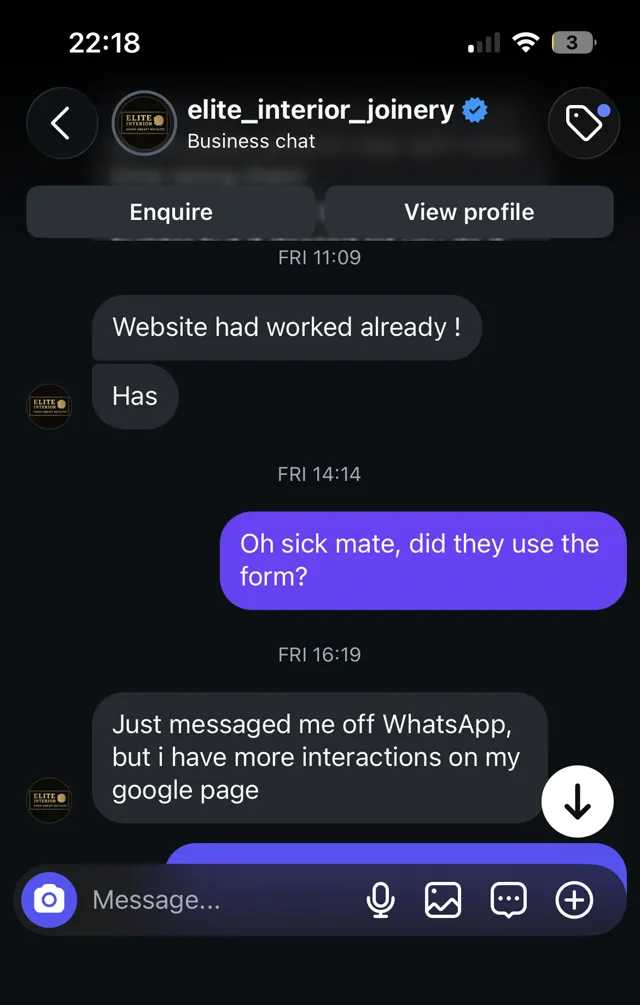
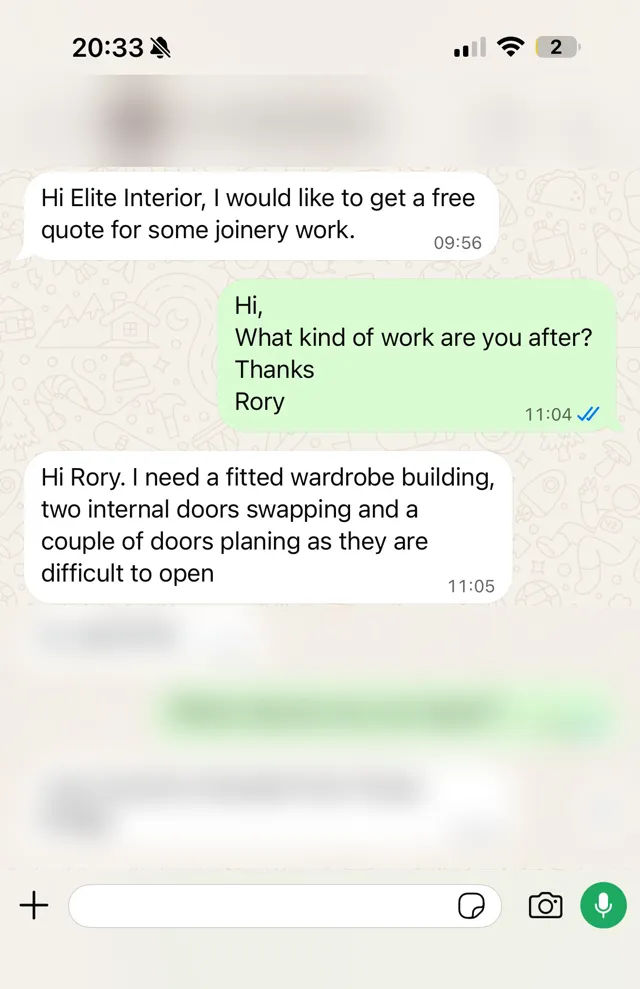
An example. On Elite Interior’s site, Rory’s 5.0 Google rating and reviews sit on the site itself, with a link through to the full list on Google. People can read what past customers said without leaving the page. Read the case study
A quick profile checklist
Whether or not you have a website yet, these are worth doing on your profile:
- Pick the right main category. “Plumber”, “Roofing contractor” or “Electrician”, not something vague.
- Set your service areas if you go to customers rather than them coming to you.
- Add real photos of finished jobs, your van and you. Keep adding them.
- Fill in your hours, and update them over holidays.
- Add your website once you have one.
- Reply to every review, good or bad, briefly and politely.
Every website I build links to your Google profile, and your reviews can sit on the site where people will see them. Websites for trades start from £295, and you only pay once you’re happy with it. See pricing, or read what to put on a trade website.