The short version
- Google picks local results on three things: how well you match the search, how close you are, and how well known you are.
- Start with a complete, free Google Business Profile. It’s what shows on the map.
- Give your website clear words about each main service and the towns you cover. Google can’t show you for work it doesn’t know you do.
- Keep reviews coming in, and keep your name, number and areas the same everywhere.
- Be wary of anyone who promises page one. Nobody can guarantee it.
When someone types “roofer near me” or “kitchen fitter Halifax”, Google shows a map with a few businesses, then a list of websites. Getting into either isn’t magic, and you don’t need to pay anyone a monthly fee to start. Most of it is making sure Google has clear, consistent information about what you do and where.
How Google picks which local trades to show
Google is fairly open about this. It says local results are based on three things:
- Relevance. How well your business matches what the person searched for.
- Distance. How far you are from the person searching, or the place they searched for.
- Prominence. How well known your business is, from reviews, links and mentions around the web.
You can’t move your yard closer to every customer. But you can do a lot about relevance and prominence. Here’s where I’d start, in order.
1. Get your Google Business Profile right
It’s free, and it’s what appears on the map. If you only do one thing from this guide, do this.
- Choose the most accurate main category, like “Roofing contractor” or “Electrician”, and add secondary ones for other work you do.
- Set your service areas if you go to customers.
- List your services and write a short, plain description.
- Add real photos of finished jobs, and keep adding them.
- Link to your website.
I’ve written more on what a Google profile does and doesn’t do.
2. Say exactly what you do, in plain words
This is the one most trade websites miss. If your site says “all aspects of building work”, Google has little to match against a search for “single storey extension”.
- Name each main service the way customers search for it: “loft conversions”, not “roof space solutions”.
- Give your main services a page each, with a few paragraphs about the work, photos and the questions people ask. A page about one job has a much better chance of showing up for that job.
- Put the service and the town in the page title and main heading, like “Loft conversions in Huddersfield”.
- Use your own words. Copying text from another trade’s site doesn’t help you.
3. Name the towns you cover
Google needs to know where you work, as well as what you do.
- Say where you’re based, and list the towns and areas you cover, as text on the page, not just in an image or a map.
- Mention the town in your project captions: “Kitchen fit in Brighouse”.
- If you cover a wide area, a page for each of your main towns can help, but only if each one has something real to say, like jobs you’ve done there. Dozens of near-identical town pages with the name swapped tend to do more harm than good.
4. Keep reviews coming in
Reviews feed into prominence, and your star rating sits right next to your name on the map. A steady trickle of recent reviews looks better than twenty from three years ago and nothing since.
Ask every customer at the end of the job, with a link that opens the review box. Here’s how, with a message you can copy.
5. Use the same details everywhere
Your business is probably listed in more places than you think: Google, Facebook, Checkatrade, Yell, trade bodies, supplier directories. Make sure each one has:
- The same business name, written the same way
- The same phone number
- The same areas, and your address if you show one
- A link to your website
Old numbers and old business names floating around confuse customers, and they don’t help Google either. Spend an evening searching your business name and tidying up what you find.
6. Get links from local places
Links from other websites to yours are one of the ways Google judges how well known you are. For a trade, the useful ones are local and real:
- Trade bodies and schemes you belong to, like NICEIC or Gas Safe, which often list members
- Suppliers and manufacturers with an “approved installer” list
- Other trades you work alongside, who could link to you as their go-to electrician, plasterer or roofer
- Local clubs, schools or events you sponsor
- Local news, if you’ve done a job worth a story
Avoid anyone selling links in bulk. They’re rarely from sites that matter, and Google treats paid link schemes as spam.
7. Make sure it’s quick on a phone
Most local searches happen on a phone, and a slow site loses people before it’s even loaded. Google also looks at how a page performs for real visitors. Check yours for free with Google PageSpeed Insights. A mobile score of 90 or above is good.
What nobody can promise you
Nobody can guarantee you a top spot on Google, and Google itself says so. Anyone who promises “page one in 30 days” is either guessing or selling something you should look at very carefully.
It also takes time. A new website can take weeks or months to settle in search results, and busy towns with lots of competition take longer. What you can do is give Google clear, honest information and keep it up to date. That’s what the businesses that show up consistently tend to have in common.
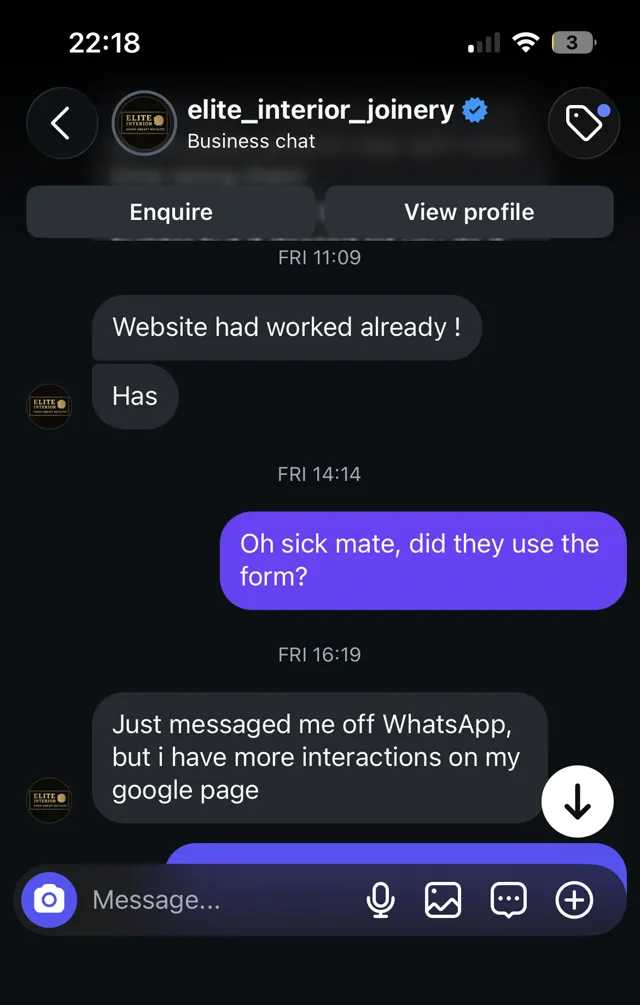
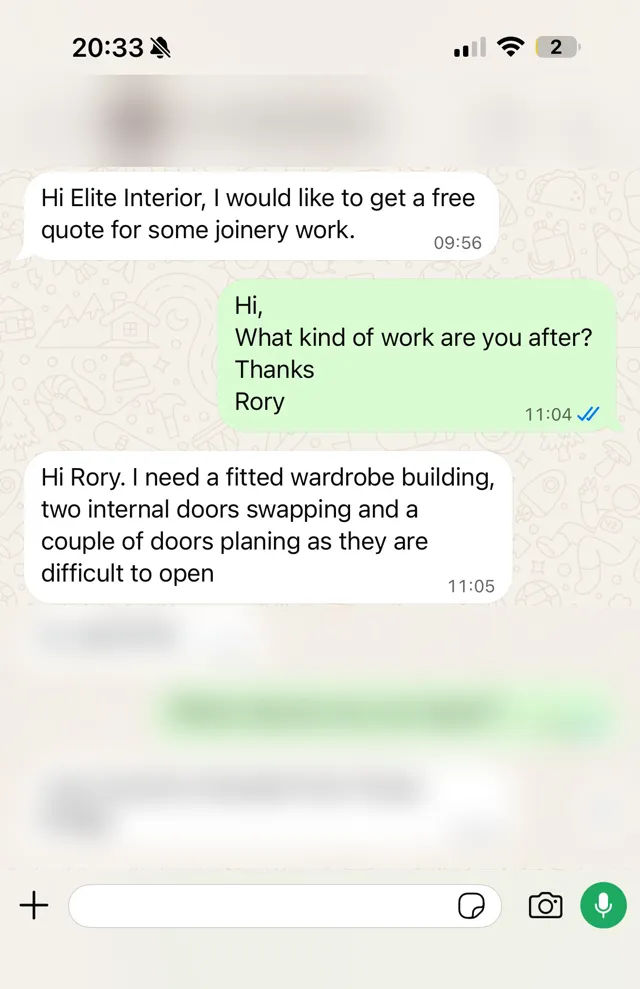
Every site I build is set up this way from day one: a page title, headings and words that name your services and towns, your real reviews, and a site that’s quick on a phone. Elite Interior’s site scores 99 on PageSpeed. Websites for trades start from £295, and you only pay once you’re happy with it. See pricing.